Setting Up Outlook Express For Multiple
Mailboxes (Page 2)
Windows 95
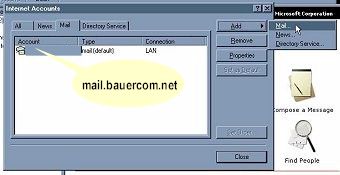
- The Your Name and Email adress should remain the same. The SMTP server should be mail.BauerCom.Net.
Click on Next
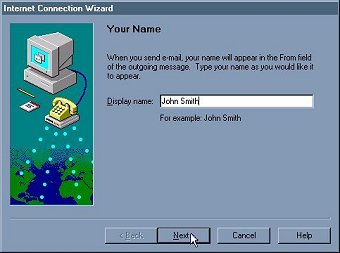
- Type your real name in the Display Name field. You can actually put anything you like
here, it will show up "as is" next to your email address. Click on Next.
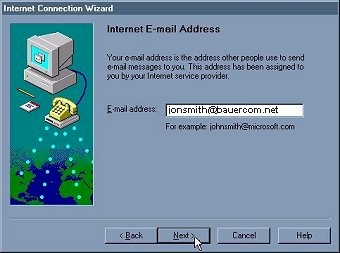
- Type your email address (username@BauerCom.Net) in the Email Address field. Click on Next
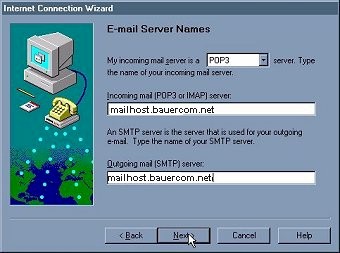
- Make user POP3 is selected in Incoming Mail Server Type. Type mail.BauerCom.Net
in both Incoming and Outgoing Mail server fields. Click on Next
[Page 1] [Page 3]
|