Setting Up Outlook Express For
Multiple
Mailboxes (Page 3)
Windows 95
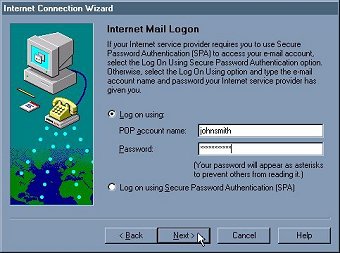
- Type your username in the POP Account Name field. Type your UNIX
password in the password field. Click on Next
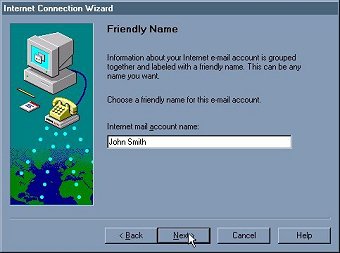
- Type your real name in the Internet Mail Account Name field. You
can put anything you like here. This is how this account will show
up in your Internet Mail settings. Other users will no see this.
Click on Next.
[Page 2][Page 4]
|