Setting Up Outlook Express For Multiple
Mailboxes (Page 4)
Windows 95x
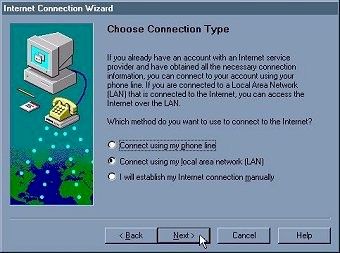
- Select "Connect using my phone line" out of the connection method list. Click
on Next
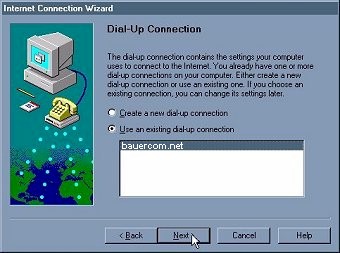
- Click on the radio button next to "Use an existing dial-up connection". Click
on Bauer Communications. Click on Next
- Click on Finish
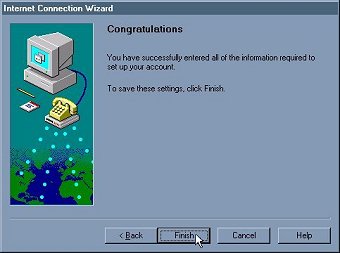
Congratulations! Outlook will now check two email accounts. Mail from both accounts
will still go to the same inbox. If you would like to learn how to setup Outlook Express
to sort this email into separate email boxes, Click Here.
If you would like Outlook Express to act as two independent email clients, you will
need to add multiple user support to your Windows 95. For this you will need to consult
Microsoft's web site at http://www.microsoft.com/.
[Page 3]
|